
M-Pesa WiFi Payment System – The Future of Selling Internet in Kenya
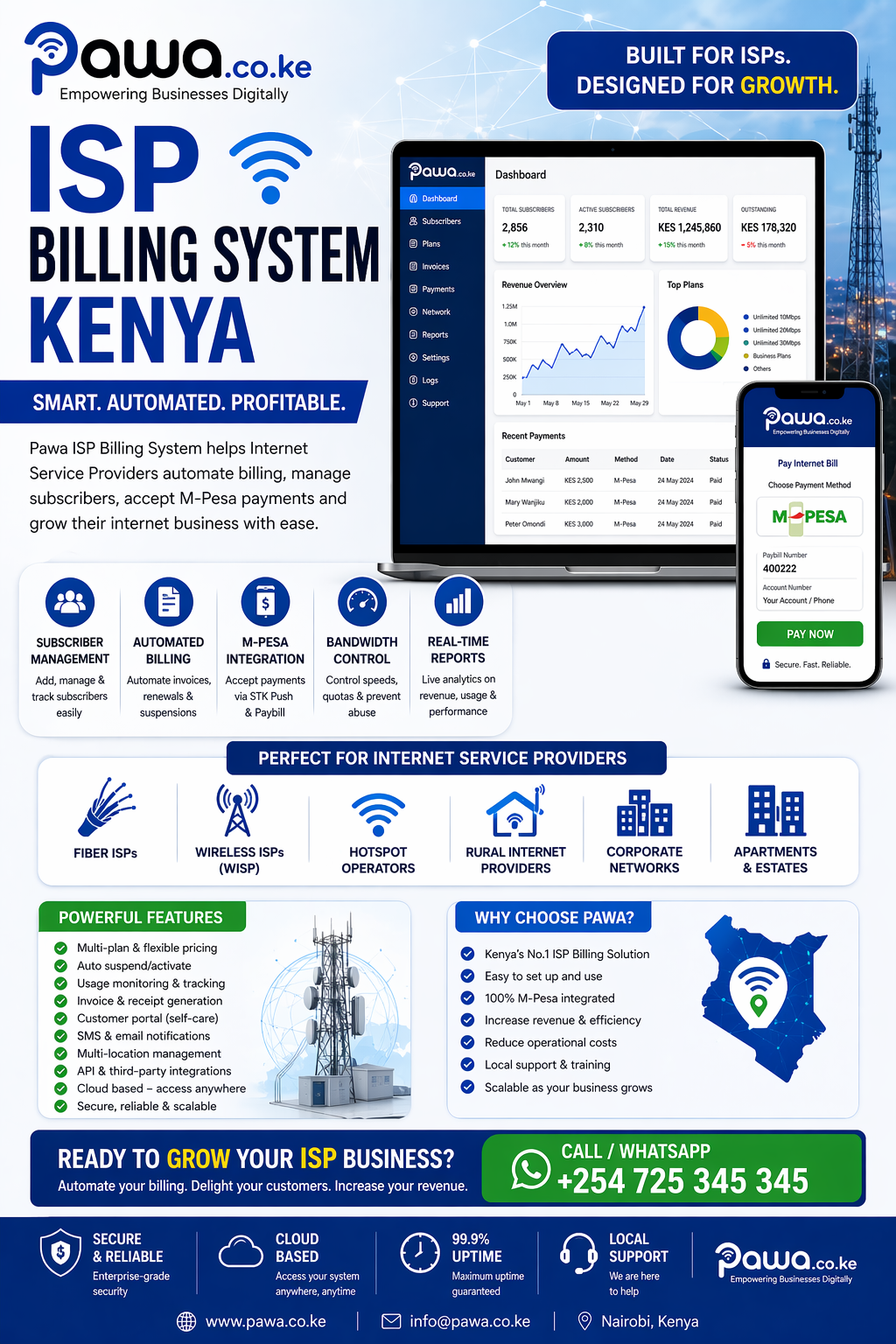
An M-Pesa WiFi payment system allows you to sell internet access and receive payments instantly through M-Pesa. This modern solution is designed for businesses that want to automate WiFi sales, reduce manual work, and increase daily income.
Whether you operate in Nairobi or any part of Kenya, integrating mobile payments into your hotspot system is the smartest way to run a profitable WiFi business.
What is an M-Pesa WiFi Payment System?
An M-Pesa WiFi payment system is a hotspot solution that:
- Allows users to connect to your WiFi
- Prompts them to pay using M-Pesa
- Automatically activates internet access after payment
This system removes the need for vouchers, manual approvals, or staff intervention.
How the System Works
- Customer connects to your WiFi network
- A login page appears (captive portal)
- Customer selects a package (e.g., 1 hour, 1GB)
- Payment request is sent via M-Pesa (STK Push)
- Customer confirms payment
- System verifies payment instantly
- WiFi access is granted automatically
This process takes less than a minute and ensures a smooth user experience.
Key Benefits of an M-Pesa WiFi Payment System
1. Instant Payments
Customers pay directly via M-Pesa, eliminating delays.
2. Automatic User Activation
No need to manually connect users—everything is automated.
3. 24/7 Revenue Generation
Your WiFi business runs day and night without supervision.
4. Easy Business Management
Track:
- Sales
- Active users
- Bandwidth usage
5. Increased Customer Trust
Since Safaricom powers M-Pesa, users feel safe making payments.
Features of a Reliable WiFi Payment System
A good system should include:
- M-Pesa STK Push integration
- Custom WiFi login page
- Real-time payment verification
- Multiple pricing plans
- Speed and bandwidth control
- User session limits
- Detailed analytics dashboard
Who Can Use This System?
An M-Pesa WiFi payment system is ideal for:
- Apartment owners
- Cyber cafés
- Hotels and Airbnb hosts
- Campuses and hostels
- Small ISPs
- Public WiFi providers
Why M-Pesa is Perfect for WiFi Payments in Kenya
Kenya leads in mobile money usage, and M-Pesa is trusted nationwide.
By using M-Pesa:
- Customers don’t need cash
- Payments are fast and secure
- Transactions are verified instantly
- Your business becomes fully digital
Setting Up an M-Pesa WiFi Payment System
To get started, you need:
1. Hotspot Router
- MikroTik (recommended)
- Ubiquiti UniFi
2. Internet Connection
- Fiber internet (best option)
- Wireless backup connection
3. Hotspot Billing Software
Handles:
- Payments
- User login
- Session management
4. M-Pesa Integration
Using APIs from Safaricom:
- STK Push (automatic payment prompt)
- Paybill or Till number
How Much Can You Earn?
Example:
- 100 users daily
- Each pays KSh 10
Daily = KSh 1,000
Monthly = KSh 30,000+
With a busy location, earnings can grow significantly.
Tips to Grow Your WiFi Business
- Offer affordable packages
- Ensure fast internet speeds
- Provide reliable uptime
- Use branded login pages
- Promote your WiFi locally
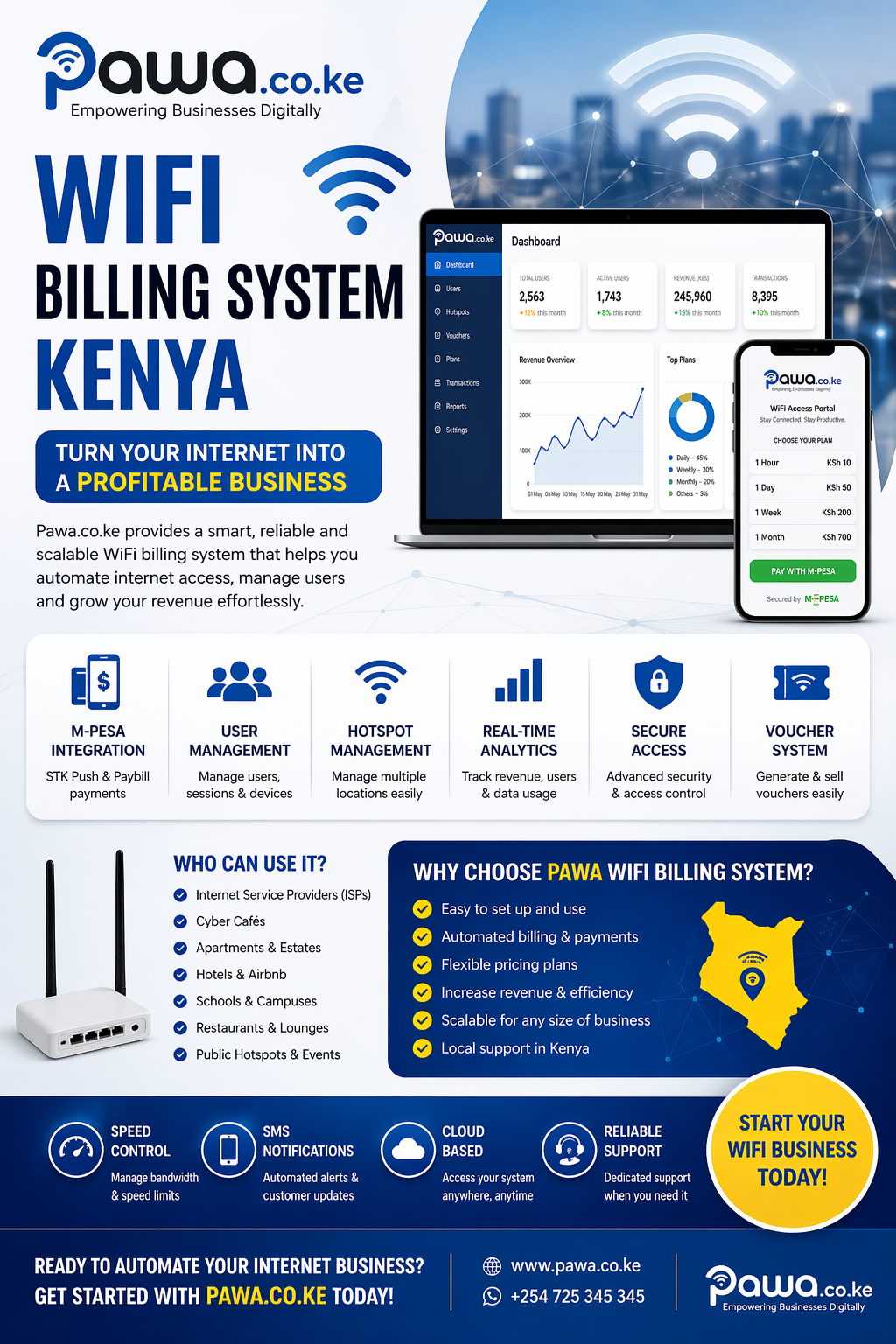
Why Choose a Professional Installation
A professionally installed system ensures:
- Proper configuration
- Secure payment integration
- Stable network performance
- Ongoing technical support
Call to Action
📞 Call / WhatsApp: +254725345345
Conclusion
An M-Pesa WiFi payment system in Kenya is the easiest way to turn your internet into a profitable business. With automation, secure payments, and easy management, you can scale your WiFi service and generate income every day.
Why an M-Pesa WiFi Payment System is a Game-Changer
An M-Pesa WiFi payment system transforms a normal internet connection into a fully automated business. By integrating payments through M-Pesa, you eliminate manual processes and unlock continuous income.
This system is especially powerful in Kenya, where mobile money adoption is extremely high and customers expect fast, seamless transactions.
Real-Life Use Cases in Kenya
1. Apartment WiFi Business
Landlords install WiFi and sell access to tenants:
- Daily packages (KSh 10–30)
- Weekly packages (KSh 100–300)
- Monthly packages (KSh 1,000+)
Tenants simply pay via M-Pesa and get connected instantly.
2. Public Hotspot (Shops & Streets)
Set up WiFi in:
- Shopping centers
- Bus stages
- Market areas
Customers nearby can pay small amounts for quick access.
3. Hostels & Campus WiFi
Students are heavy internet users:
- Offer night bundles
- Provide unlimited weekend plans
Payments are quick via mobile, making it ideal for student environments.
4. Hotels & Airbnb
Enhance guest experience by offering:
- Free limited WiFi
- Premium high-speed packages via M-Pesa
Advanced Features That Give You an Edge
1. Captive Portal Advertising
Before login, display:
- Ads
- Announcements
- Promotions
This can generate extra revenue streams.
2. Social Login Options
Allow users to log in using:
- Phone number
- Social media
3. Smart Bandwidth Allocation
Ensure fairness:
- Limit heavy users
- Prioritize premium packages
4. Voucher + M-Pesa Hybrid System
Offer both:
- Instant M-Pesa login
- Scratch vouchers for offline users
Technical Setup Explained (Step-by-Step)
Step 1: Install a Router
Use:
- MikroTik (best for advanced control)
- UniFi (best for scalability)
Step 2: Configure Hotspot
- Set login page
- Create user profiles
- Define speed limits
Step 3: Connect Billing System
Install hotspot billing software that:
- Tracks payments
- Controls access
- Manages users
Step 4: Integrate M-Pesa API
Using APIs from Safaricom:
- Enable STK Push
- Link Paybill or Till number
- Set callback URLs for verification
Step 5: Test Automation
- Make a test payment
- Confirm instant activation
- Check user disconnection after expiry
Common Mistakes to Avoid
- ❌ Slow internet connection
- ❌ Poor router placement
- ❌ Complicated login process
- ❌ No customer support
- ❌ Overpricing packages
Fixing these ensures customer retention and repeat sales.
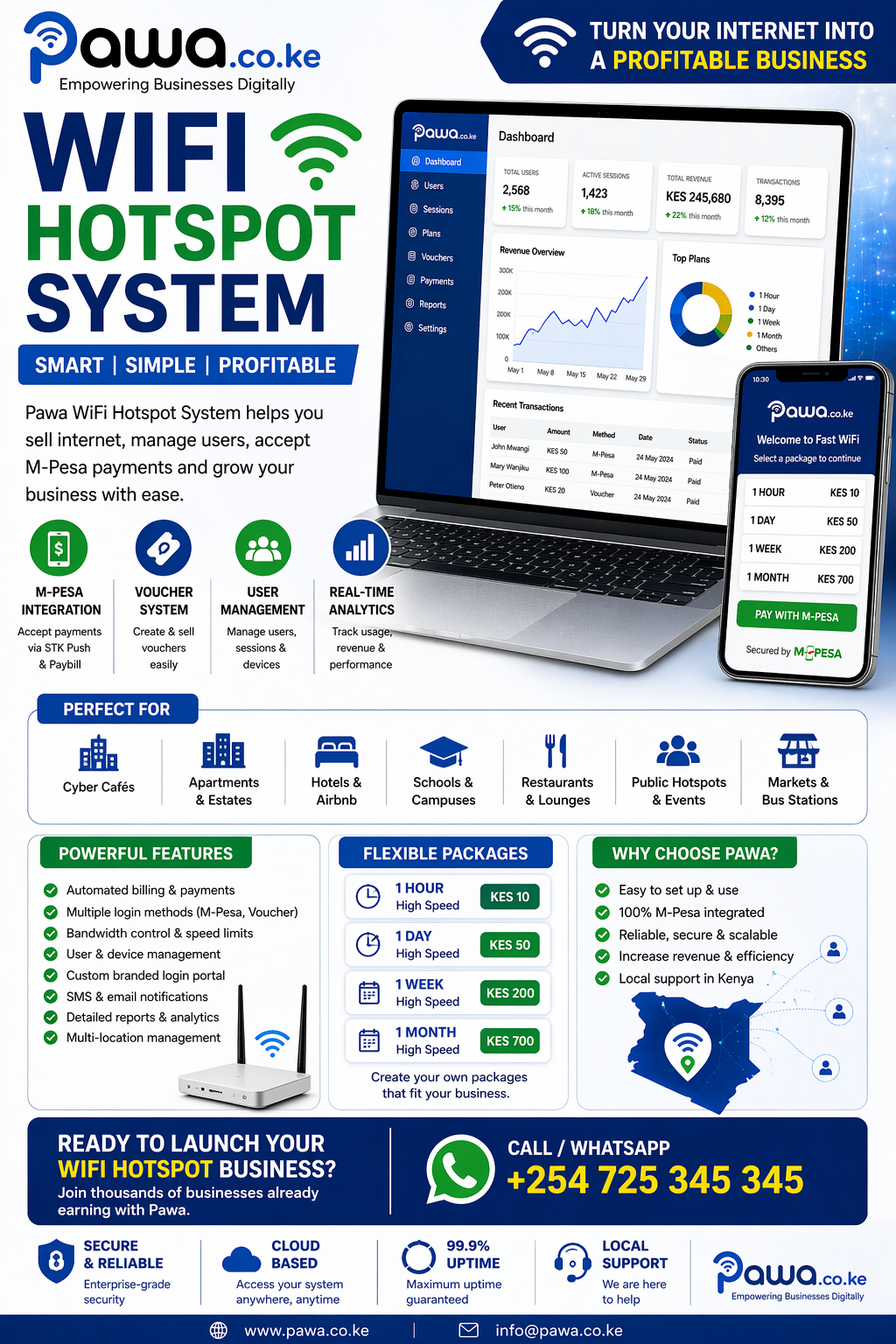
Scaling Your WiFi Business
Once your system is running, you can expand:
1. Add More Access Points
Increase coverage in large areas.
2. Open Multiple Locations
Manage all hotspots from one dashboard.
3. Partner with Landlords
Install WiFi and share revenue.
4. Become a Local ISP
Resell internet in your area.
Estimated Startup Cost in Kenya
Basic setup:
- Router: KSh 8,000 – 25,000
- Installation: KSh 5,000 – 15,000
- Internet subscription: KSh 3,000+
Total starting cost: KSh 20,000 – 50,000
Profit Growth Strategy
To maximize profits:
- Offer affordable entry packages
- Upsell premium speeds
- Provide reliable uptime
- Use promotions (e.g., “Buy 1 Hour Get 30 Minutes Free”)
SEO Content Strategy for Your Website
To rank #1 on Google, target these keywords:
Primary Keyword
- M-Pesa WiFi payment system Kenya
Supporting Keywords
- WiFi hotspot billing with M-Pesa
- Sell WiFi and receive M-Pesa payments
- Automated WiFi system Kenya
- Hotspot WiFi business Nairobi
High-Converting Meta Tags
SEO Title
M-Pesa WiFi Payment System Kenya – #1 Smart Hotspot Billing Solution
Meta Description
Sell WiFi and collect payments instantly with an M-Pesa WiFi payment system in Kenya. Automated billing, fast setup, and 24/7 income. Call +254725345345.
URL Slug
/mpesa-wifi-payment-system-kenya
Why This is a High-Demand Business in 2026
- Growing internet usage
- Increase in remote work
- High smartphone penetration
- Dominance of mobile payments
Kenya’s digital economy makes this one of the best low-cost tech businesses to start today.
Why Choose Us
We offer:
- Full system installation
- M-Pesa integration
- Router configuration
- Custom branded login pages
- Ongoing support
You get a complete, ready-to-earn WiFi business.
Call to Action – Start Today
📞 Call / WhatsApp: +254725345345
Install your M-Pesa WiFi payment system today and:
- Start earning daily
- Automate your business
- Scale without limits
Final Thoughts
An M-Pesa WiFi payment system in Kenya is not just a tool—it’s a business opportunity. With the right setup, you can build a reliable income stream and grow into a full internet service provider.