
How much is setup?
The KES 1,500 one-off setup invoice becomes due immediately after WiFi setup is complete.
These are the practical answers businesses want before they trust a new WiFi billing product with payments, access, and day-to-day operations.
Quick Answer
Setup + Choice
The KES 1,500 one-off setup invoice becomes due immediately after WiFi setup is complete.
Every business pays the monthly Pawa subscription: Starter at KES 1,500/month or Silver at KES 3,500/month. If Pawa collects customer payments through the platform gateway, 5% of net WiFi sales is added on top of the subscription. Own PayBill/Till operators pay the monthly subscription only.
Yes. Pawa is built around MikroTik hotspot and RouterOS workflows.
Yes. The recommended hosted setup uses WireGuard so the VPS can reach private routers securely.
Yes. Onboarding can generate a paste-ready RouterOS bootstrap script or apply setup automatically when the router API is reachable.
A workspace is the business dashboard for routers, plans, vouchers, customers, payments, invoices, and onboarding.
Yes. Pawa supports voucher-style access, hotspot customers, and more than one router record per business.
Pawa includes import flows for router data such as hotspot users, plans, WiFi networks, and vouchers.
You can connect MikroTik and prepare the workspace first. Once WiFi setup is complete, the setup invoice is due before continuing normal workspace operations.
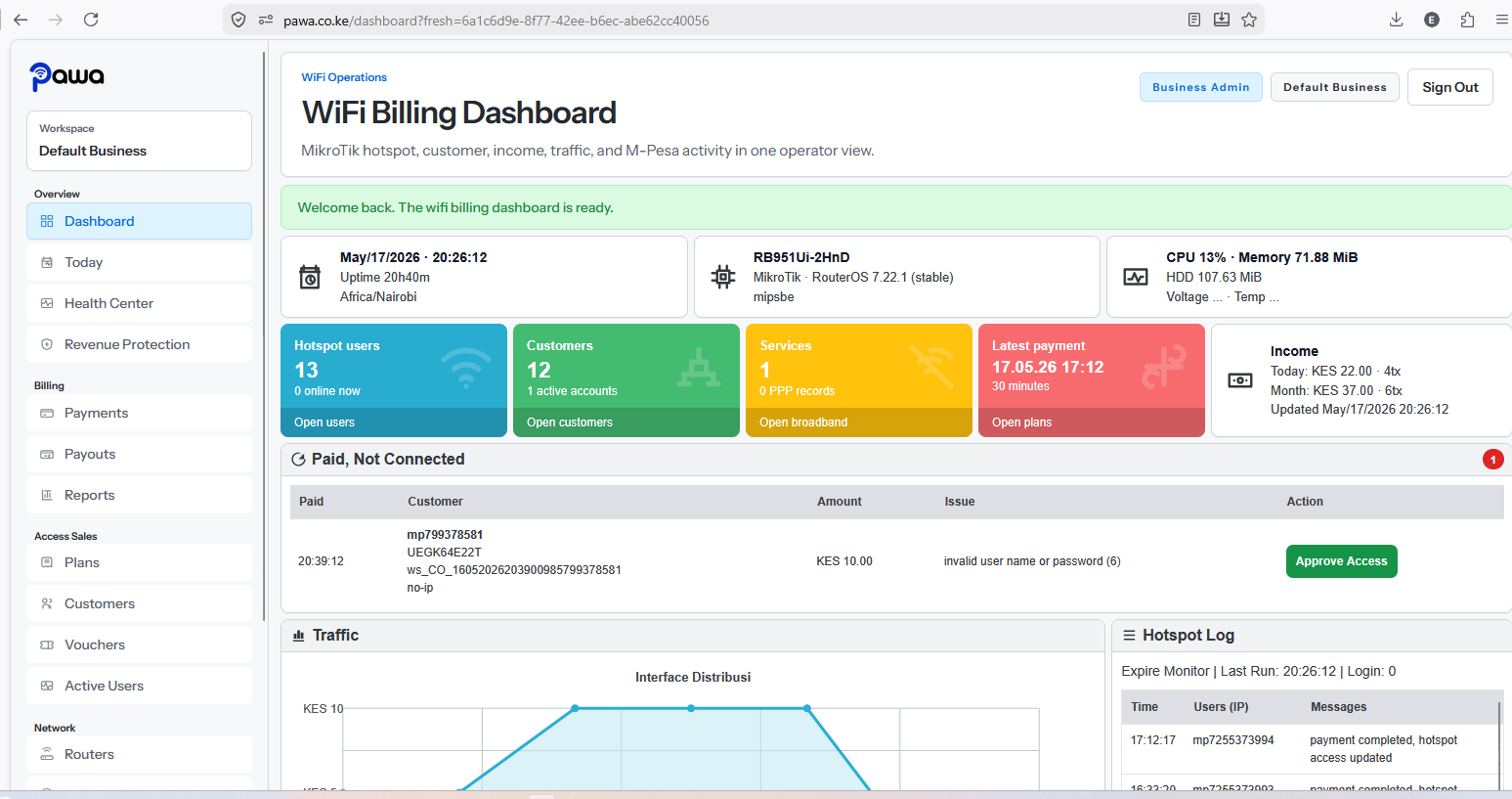
For Pawa collection, the dashboard tracks gross collections, platform fee, available balance, and payout requests. Own PayBill operators collect directly to their shortcode.
Ready To Start?
Launch packages, M-Pesa checkout, instant access, and business visibility from one operator dashboard.