
Router readiness check
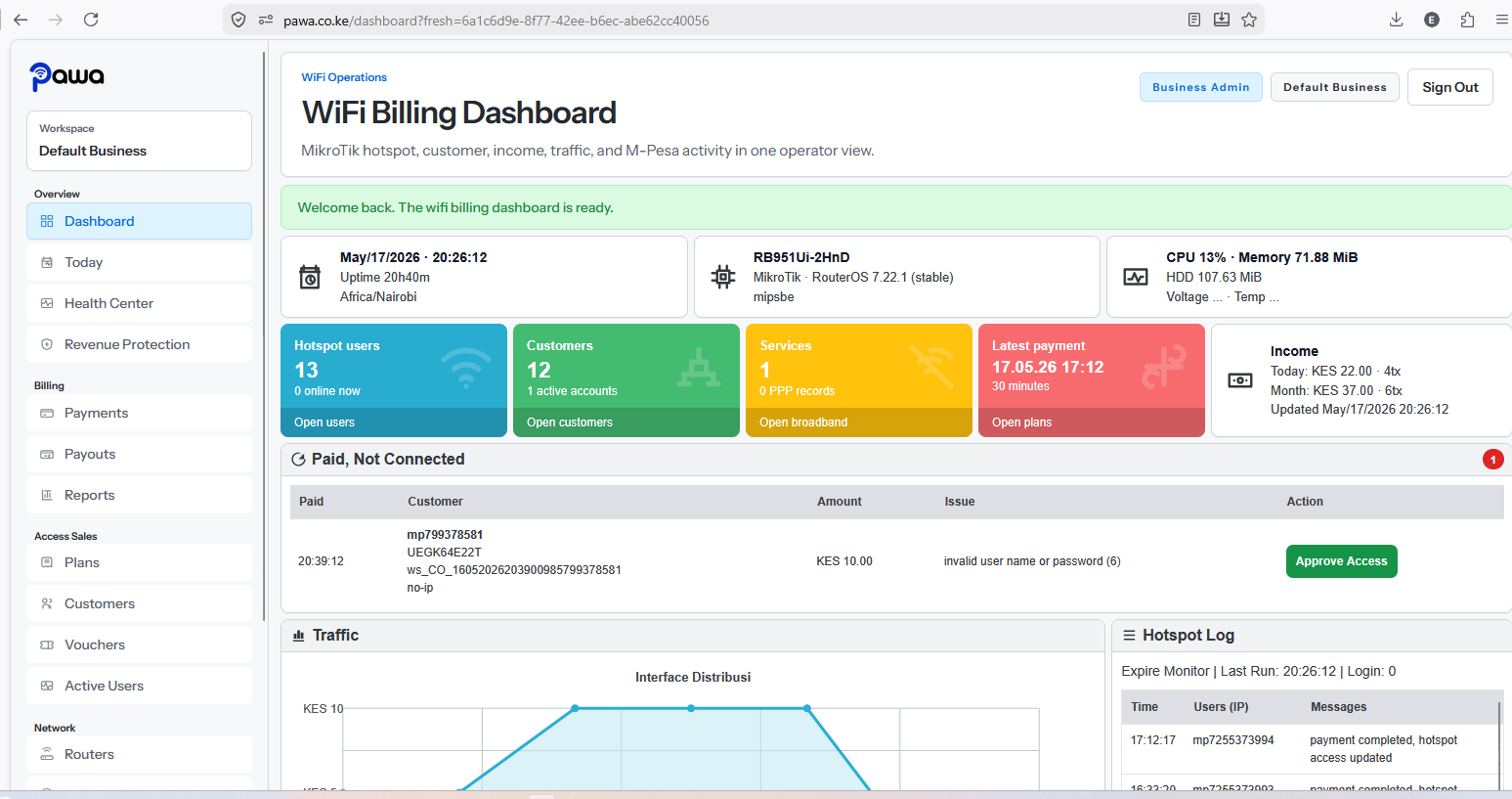
Onboarding checks active MikroTik router details, API access, hotspot server, profiles, and current network assumptions.
The setup flow connects the product to your router, hotspot portal, packages, payment path, and first customer sales. The setup invoice is due immediately after WiFi setup is complete.
Setup
KES 1,500
Onboarding checks active MikroTik router details, API access, hotspot server, profiles, and current network assumptions.
Use the bootstrap flow to prepare the captive portal path and align hotspot packages with the billing dashboard.
Where needed, we connect the router privately to the VPS so Pawa can manage it without public API exposure.
Ready To Start?
Launch packages, M-Pesa checkout, instant access, and business visibility from one operator dashboard.