This answers the first questions most new operators ask: MikroTik, normal routers, PPPoE, Hotspot, internet source, M-Pesa collection, and multiple routers.
Internet can come from anywhere. Billing control should pass through MikroTik.
A normal home router, Starlink, fiber router, or ISP CPE can feed internet into the network. Pawa needs a MikroTik gateway or controller so paid customers are connected, renewed, expired, and tracked correctly.
Direct Answers
The setup questions people keep asking.
Do I need MikroTik?
Yes. Pawa uses MikroTik RouterOS to create, renew, suspend, and verify Hotspot or PPPoE access automatically after payment.
Can I use a normal home router?
Not as the billing gateway. A normal home router can feed internet or act as a WiFi access point, but the users should pass through MikroTik for billing control.
What else do I need besides router and internet?
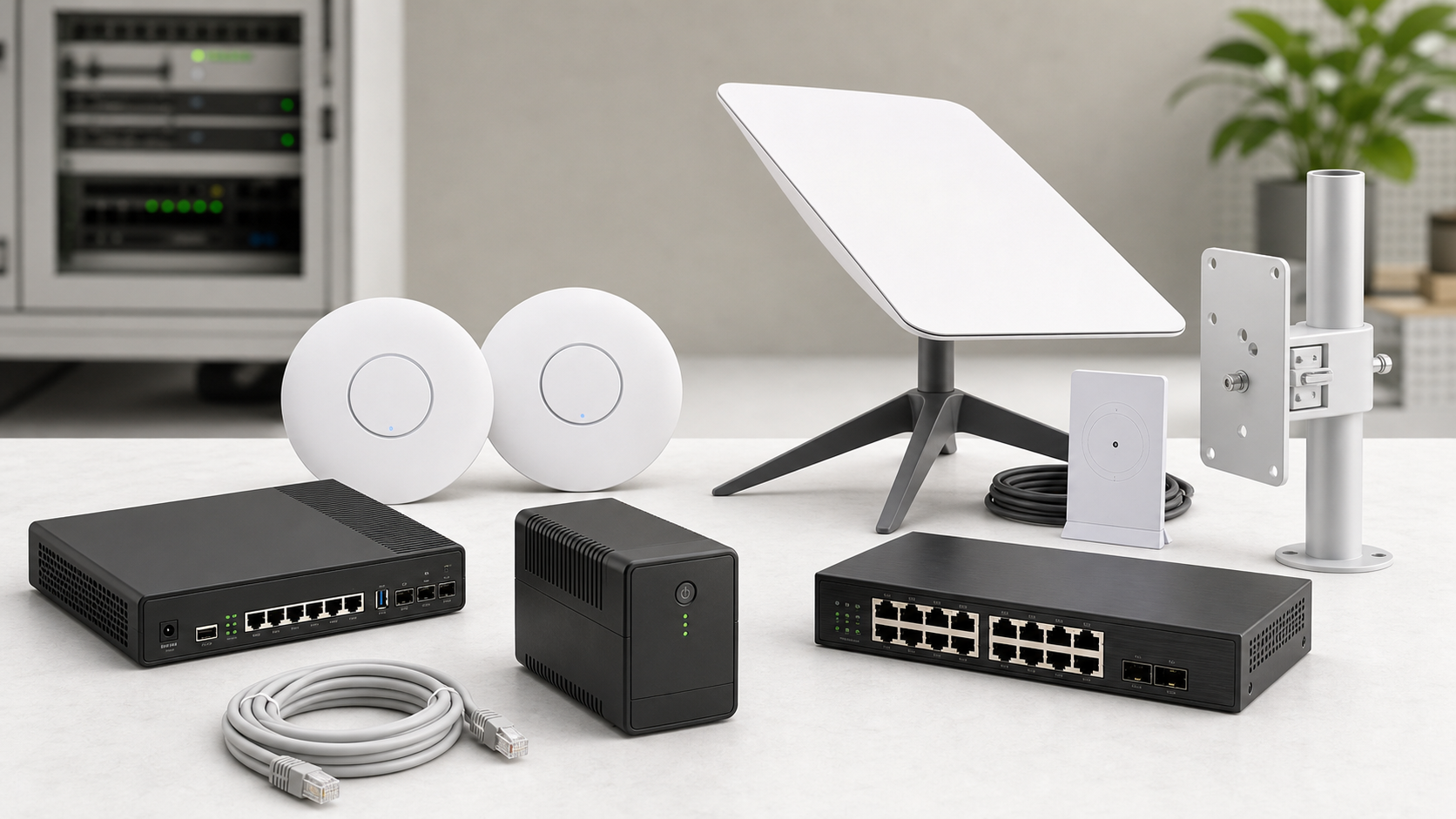
Prepare a MikroTik, internet source, access points or cabling, power backup if needed, package prices, M-Pesa collection choice, and the business phone used for support.
PPPoE or Hotspot?
Use Hotspot for walk-in, public, or time-based WiFi packages. Use PPPoE for fixed home, estate, or monthly subscribers. A workspace can support both when the network needs both.
Can Pawa handle multiple MikroTiks or ISPs?
Yes. One business can save multiple MikroTik routers and locations. Each router can use its own uplink, portal, packages, and private management path.
Before Setup
Have these details ready.
Router model and RouterOS access method
Internet source and expected number of users
Hotspot, PPPoE, or Hotspot + PPPoE choice
Package names, prices, speeds, and expiry time
M-Pesa mode: Pawa collection or own PayBill/Till
Business name, support phone, and preferred portal name
I only have a home router
Keep it as the internet modem or WiFi access point, then add a MikroTik between the internet and customers so Pawa can control paid access.
I already have MikroTik
Create a workspace, add the router, test API/VPN reachability, confirm the Hotspot or PPPoE design, then deploy the customer portal.
I run a small ISP or estate network
Choose PPPoE for fixed subscribers, Hotspot for visitor or short-plan sales, or both. Add each router/location separately and keep collections in one dashboard.
Hotspot
Best for paid public WiFi
Use this when customers connect to WiFi, see a login page, choose a short package, pay by M-Pesa, and browse.
PPPoE
Best for fixed subscribers
Use this for homes, tenants, or customers with monthly accounts where the router dials in using a username and password.
Both
Best for mixed networks
Run PPPoE for fixed users and Hotspot for walk-in sales, visitors, vouchers, events, or short access windows.
Next Step
Create the workspace when the router path is clear.
Connect MikroTik, set packages, test the portal, and pay setup immediately after Pawa software configuration is complete.
Pawa provides WiFi/ISP billing software for your existing network. Internet service, hardware, cabling and physical installation are quoted separately and are not included in software onboarding or subscriptions.
Get started now
Pawa your hotspot billing system
Get started now
Share your WiFi business details and the Pawa team will help you choose the right billing software plan. Physical network installation is quoted separately.