

Stop chasing payments
Manual payments waste time and cause revenue leakage.
Automate M-Pesa payments, Hotspot and PPPoE billing, customer packages, subscriptions, expiry and revenue tracking from one powerful platform.
Already have an internet connection and MikroTik network? Connect it to Pawa and start billing your customers.
KES 200.00 paid to PAWA WiFi
Transaction ID
R7B7H2Y3G4
Designed for local operators and customers
Deep integration with RouterOS via API
STK Push, PayBill and Till numbers supported
Manage Hotspot and PPPoE from one place
Real people. Kenya-based support.
Pawa connects to your existing MikroTik network to automate customer billing, M-Pesa payments, Hotspot/PPPoE access and subscription management.
Routers, access points, cabling, internet installation and physical network setup are separate from Pawa software.
Manual payments waste time and cause revenue leakage.

From payment to internet access in seconds - no manual work.

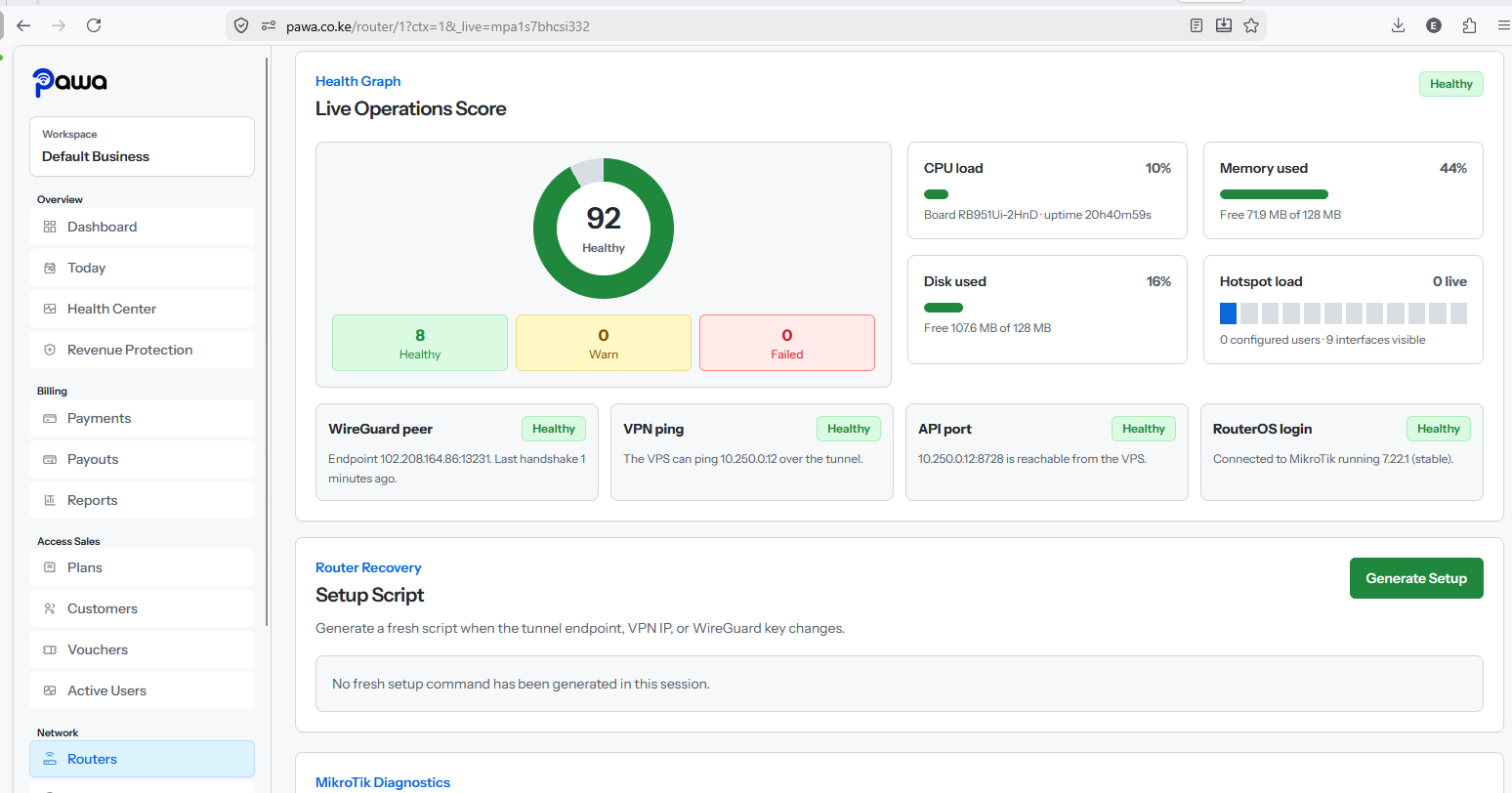
Monitor your network in real time from anywhere.
Clear reports help you grow and make smarter decisions.
Link your existing MikroTik router or network to Pawa.
Accept and automatically reconcile customer payments.
Set your Hotspot or PPPoE plans, prices, speeds and validity periods.
Pawa automatically activates, expires and manages customer access.
Pawa joins captive portal sales, M-Pesa records, customer management, router health, vouchers, and support signals into one practical workspace.
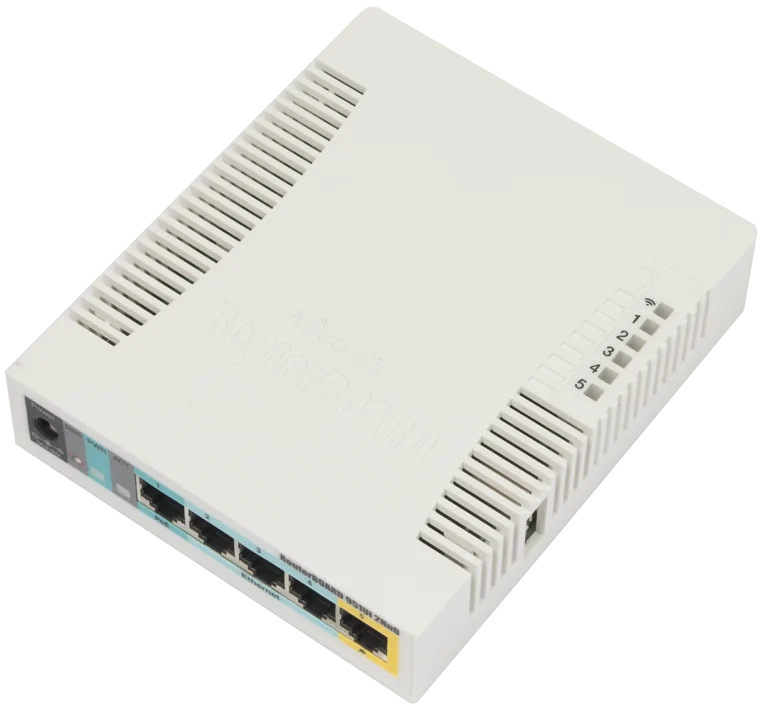
Use your existing fibre, Starlink, wireless or other internet connection.
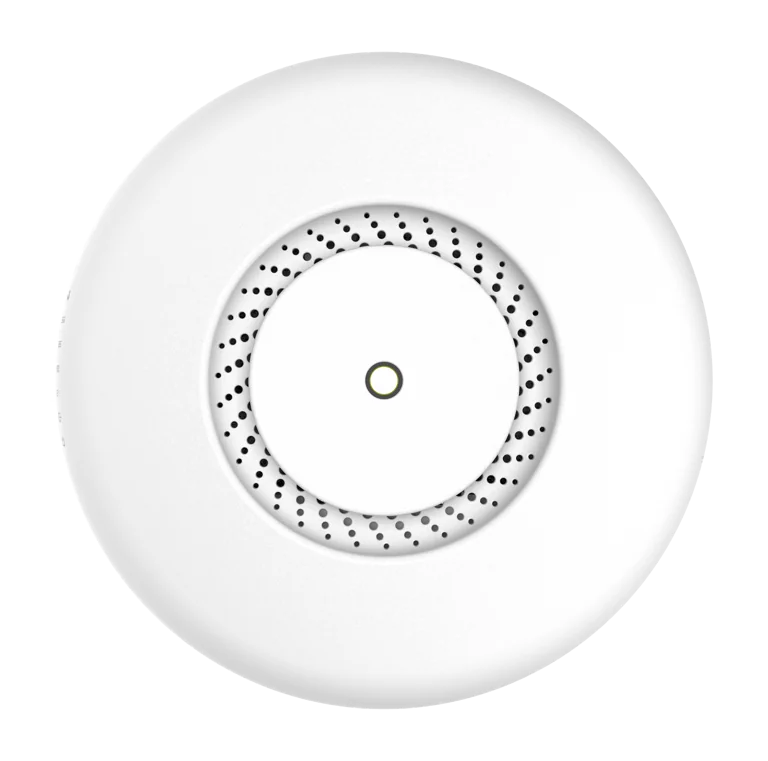
Pawa connects to your existing MikroTik router/network.
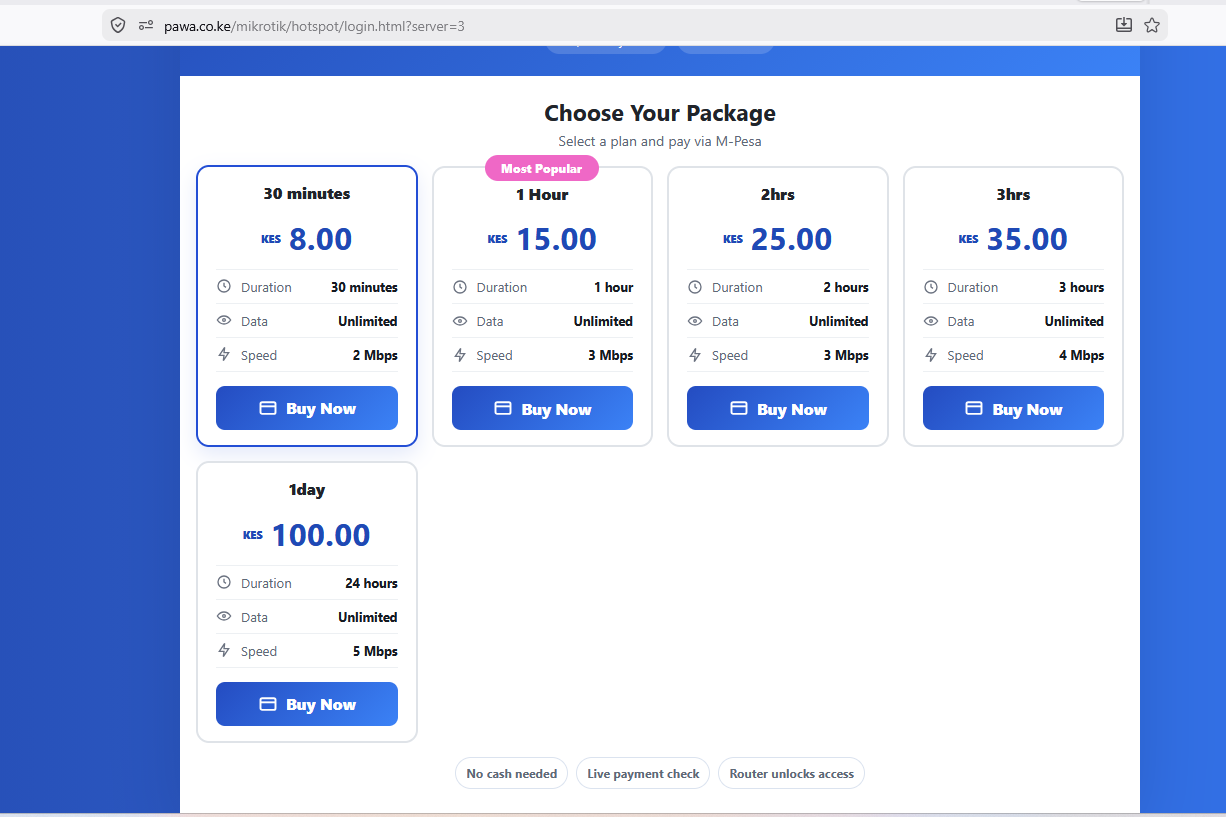
Create plans, customers, Hotspot vouchers or PPPoE subscriptions.
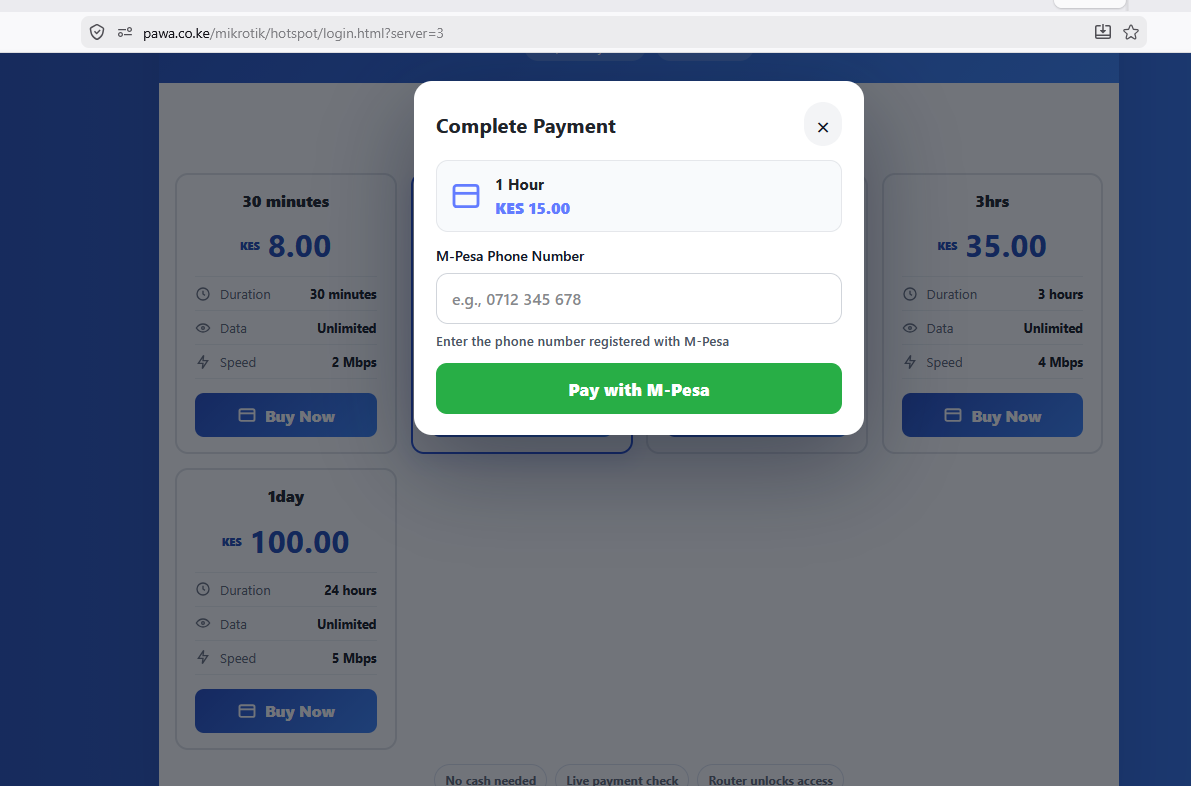
Customers pay and Pawa automatically processes their billing and access.
Pawa Software Onboarding – KES 1,500 One-Time
One-time configuration of your Pawa account, billing settings, packages, payment setup and connection to your existing MikroTik network. Physical WiFi/network installation is not included.
The monthly subscription is always charged. Pawa collection adds 5% of net WiFi sales only when Pawa collects customer payments; own Till/PayBill has no 5% collection fee.
For small hotspots and cafes.
For growing hotspot businesses.
For estates, fiber teams and ISP-scale sites.
Pawa handles the billing, payments and customer access automation.
Don’t have a network yet? Network installation can be arranged separately.
Ready to start?
Turn your WiFi login page into a paid package store with M-Pesa checkout, automatic access, expiry tracking, and router visibility for a practical WiFi billing system in Kenya.
Call or WhatsApp +254725345345